
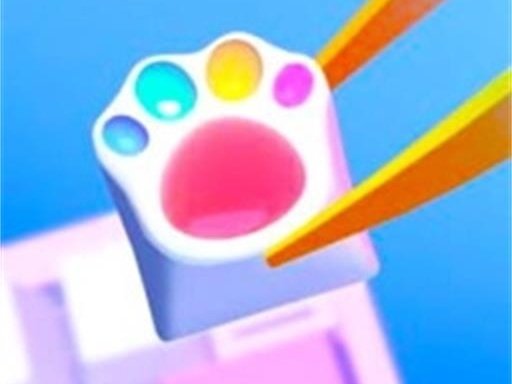
Creative Keyboard Art Studio
Opens in a play window — no download required.
Reviews
Creative Keyboard Art Studio is a delightful online experience for anyone who loves art and design. The five different manufacturing methods offer plenty of variety, and the intuitive tools make it easy to create stunning keyboards. The ability to save and share designs adds to the fun, and the lack of time limits makes it a perfect stress-free activity. Highly recommended for creative minds of all ages.
Description
Game Introduction
Creative Keyboard Art Studio is an online design experience where players can express their artistic side by crafting personalized keyboards. The core objective is to take a simple keyboard base and transform it into a unique piece of art using a variety of creative tools. What makes this game special is the freedom it offers—players can choose from several different manufacturing styles, each providing a distinct way to apply colors, patterns, and decorations. Whether you prefer a classic look or something more modern and transparent, the game encourages experimentation. It is a relaxing, no-pressure activity suitable for players of all ages who enjoy art, design, or simply making something beautiful. The game focuses on creativity and personal expression, allowing each player to produce a keyboard that reflects their individual taste.
How to Play
Players begin by selecting a manufacturing method from a set of options, each offering different customization possibilities. After choosing a method, you can pick colors and patterns to paint the keyboard keys and background. The game provides a palette of colors and a selection of decorative items like stickers or gems that can be placed anywhere on the keyboard. You can also adjust the transparency of the keys for a sleek, modern effect. The interface is intuitive, allowing you to experiment freely by trying different combinations. Once you are satisfied with your design, you can save it to your collection or share it with others. The process is straightforward and designed to be enjoyable for beginners and experienced designers alike.
Game Features
The game includes five distinct manufacturing methods—Resin, Acrylic, Pop, Stencil, and Decor—each offering unique tools and effects. Players can draw and paint directly onto the keyboard, apply a wide range of colors and patterns, and add decorative ornaments such as stickers or gems. A transparent key option is available for a contemporary look. The interface is user-friendly and suitable for all ages, making it easy to start creating immediately. Designs can be saved or shared, allowing players to show off their work or get feedback from friends. The game encourages endless creativity with no strict rules or time limits.
Tips for Success
To get the most out of your design sessions, try experimenting with different manufacturing methods to discover which one best suits your vision. Start with a simple color palette and gradually add decorations to keep your design balanced. Using the transparent key feature can give your keyboard a clean, modern appearance. Save your favorite designs so you can revisit and refine them later. Don't hesitate to try bold color combinations—the game rewards creative thinking. Sharing your creations with others can provide new ideas and inspiration for future projects.







Comments
Sign in to leave a note
You must be logged in before posting a review or rating.
No account? Create one
No comments yet. Be the first to comment!